Low-Power Image Capture Base on Cellular (LTE Cat 1)
Overview
This guide describes how to achieve low-power image capture and transmission in outdoor environments using LTE Cat 1 technology. It is particularly suitable for scenarios without Wi-Fi coverage or gateway devices.
Key Features
LTE Cat 1 is a 3GPP standard designed for IoT, offers the following key advantages:
- Efficient Data Transmission:Supports up to 10 Mbps downlink and 5 Mbps uplink
- Full Feature Support:including VoLTE and mobility, making it suitable for various IoT and M2M applications
- Power Efficiency:Optimized for battery-powered, long-term deployments
- Global Coverage:Leverages existing 4G LTE networks, providing widespread coverage in many regions.
Preparation
Hardware
- NE100-MB01 Development Board
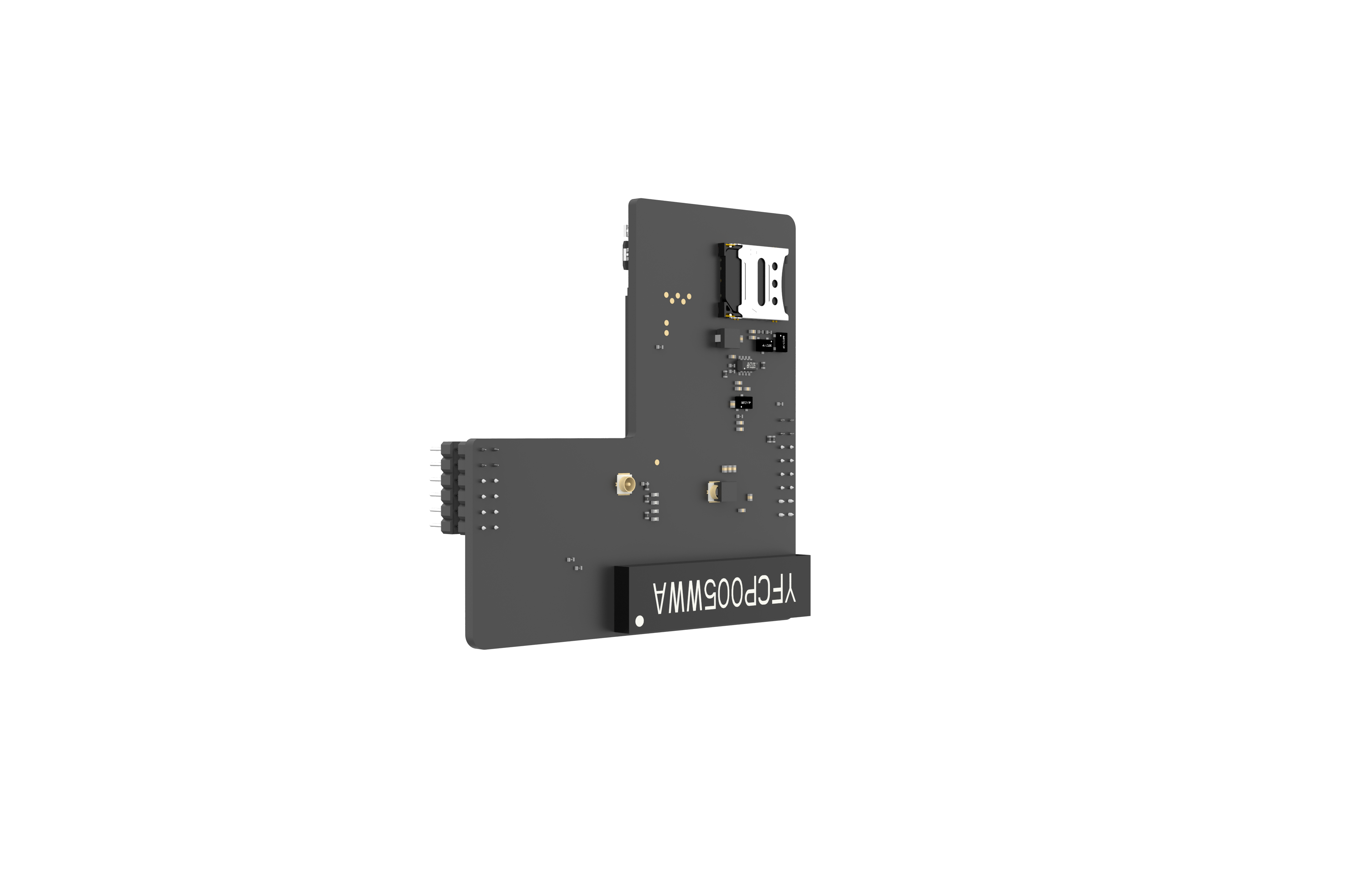
- LTE Cat 1 Module
- Activated 4G SIM Card
Software
1. Firmware
- Download pre-compiled firmware for use:lowpower_camera/bin/NE_101_FCC.zip
2. Environment Requirements
- IDE Software:Visual Studio Code(v1.99.2+)
- Development Framework:ESP-IDF Extension(v5.1.6)
- Example Repository: lowpower_camera
Functionality Verification
Using Precompiled Firmware
1. Hardware Setup
- Ensure the Cat 1 module is properly installed.
- Insert an activated 4G SIM card.
For More details please refer to the Hardware Connection Guide
2. Firmware flashing:
Refer to the below to flash the firmware:
the System Flashing and Initialization Guide
3. Verify Network Status
- Long-press the function button to enter Network configuration mode
- Access the Web UI at http://192.168.1.1
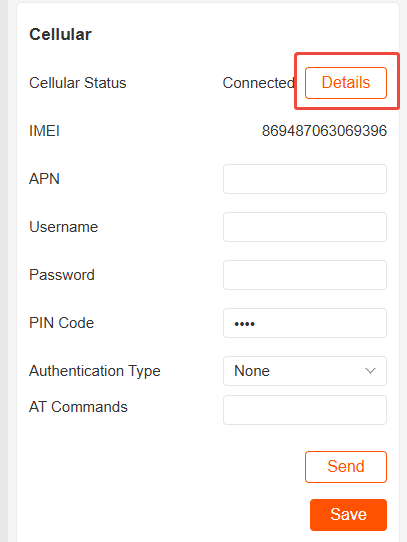
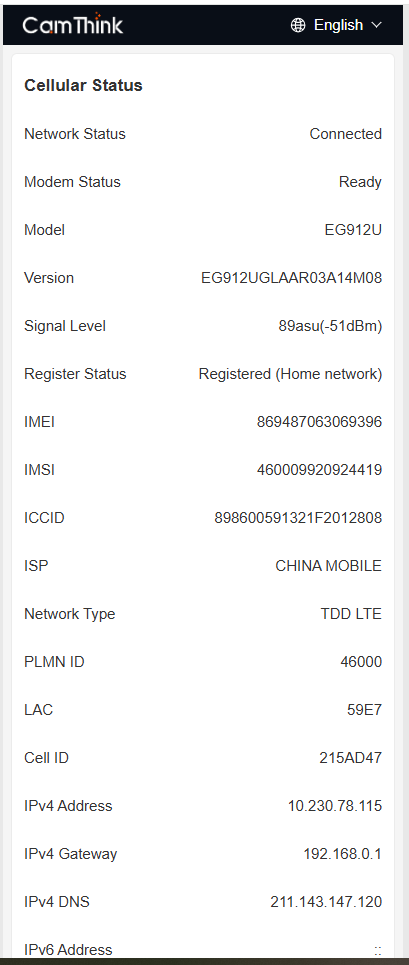
- Check the “Cellular Network” status panel
4. Data Transmission Test
- Configure MQTT server parameters
- Test image capture and upload functionality
Refer to the complete testing procedure in: Quick Start Guide
Developing from Source
1. Clone the repository using the following command
git clone https://github.com/camthink-ai/lowpower_camera.git
2. Project setup
Open the directory in VS Code:

3. Compilation and Deployment
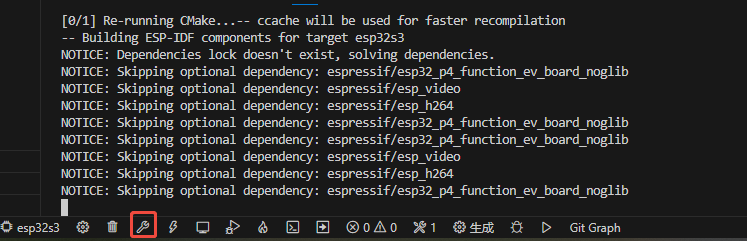
- Select the build button to compile the source code:
- Select the flash button to upload the generated firmware to the device:
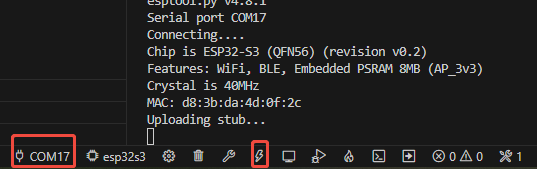
4. Verify Network and Data Transmission
Same with using precompiled firmware
Notes
SIM Card Management
- Ensure the SIM card has active 4G data service
Signal Quality Guidelines
- Good:RSSI > -85dBm
- Fair:-85dBm > RSSI > -95dBm
- Weak:RSSI < -95dBm
Development Tips:
- Use a serial tool to monitor AT command responses for troubleshooting
- Network registration may take 30–60 seconds, which is normal
- In low-signal environments, try repositioning the device for better coverage